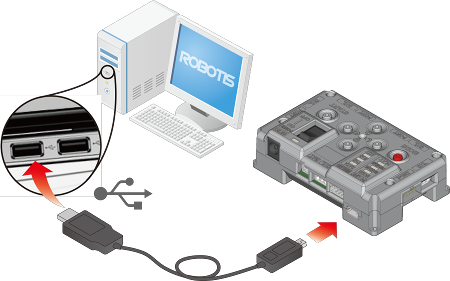
Connect the controller([CM-530]) and the PC using a mini USB cable.
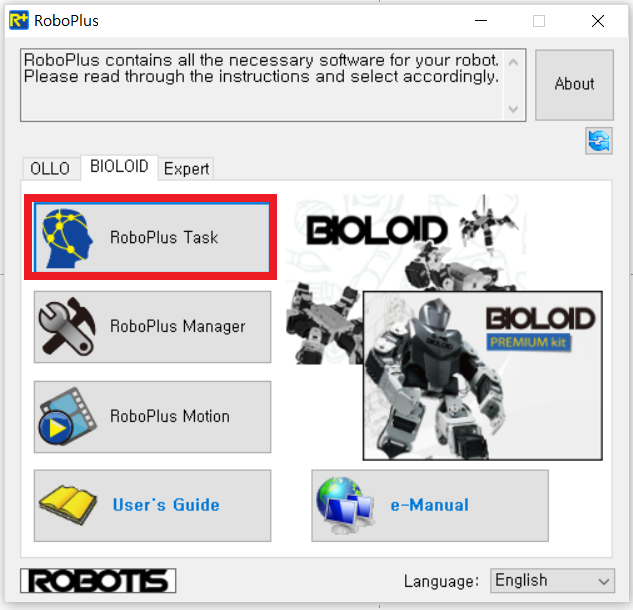
Run RoboPlus on the PC and select RoboPlus Task.
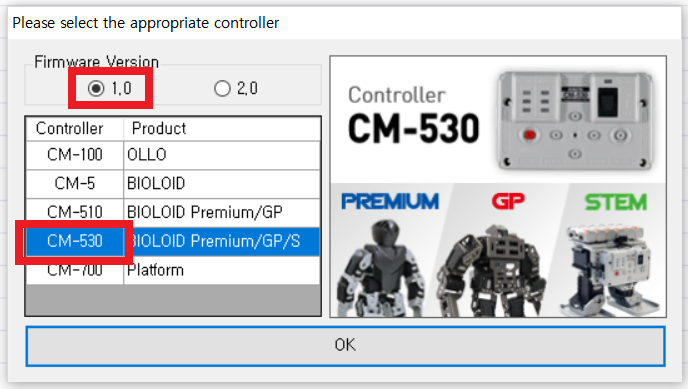
Select 1.0 for the Firmware Version and CM-530 for the Controller in the below window.
Power on the controller and select Communication Port. Selecting automatic Search makes it easy to find a port.
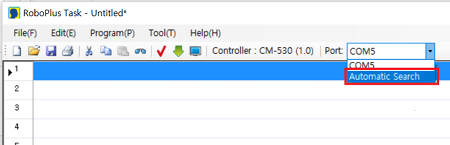
- If the controller is not found, the following message will appear.
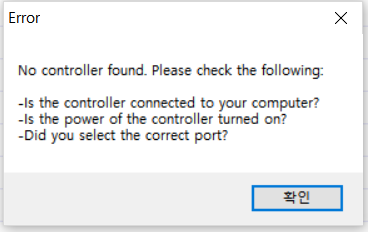
- Read the message and retry connecting to CM-530.
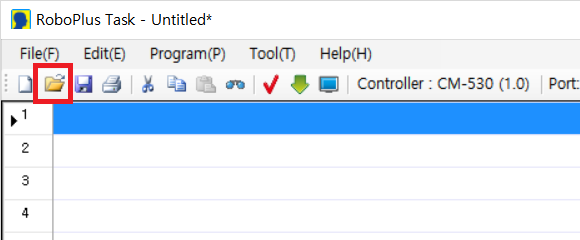
Open the example file from RoboPlus.
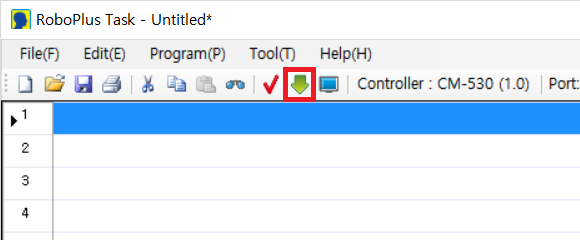
Click the Download button shown below to start downloading the example to the controller.
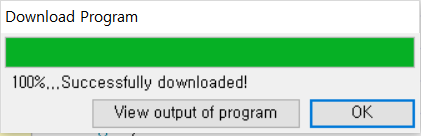
When task code download is successfully completed, below message will appear.